
From concept to live test in minutes.
Learn how to tailor pages with AI, target audiences, launch an A/B test, and track results in real time.
Start here: Tailor builds the tests
The whole loop in under 30 seconds.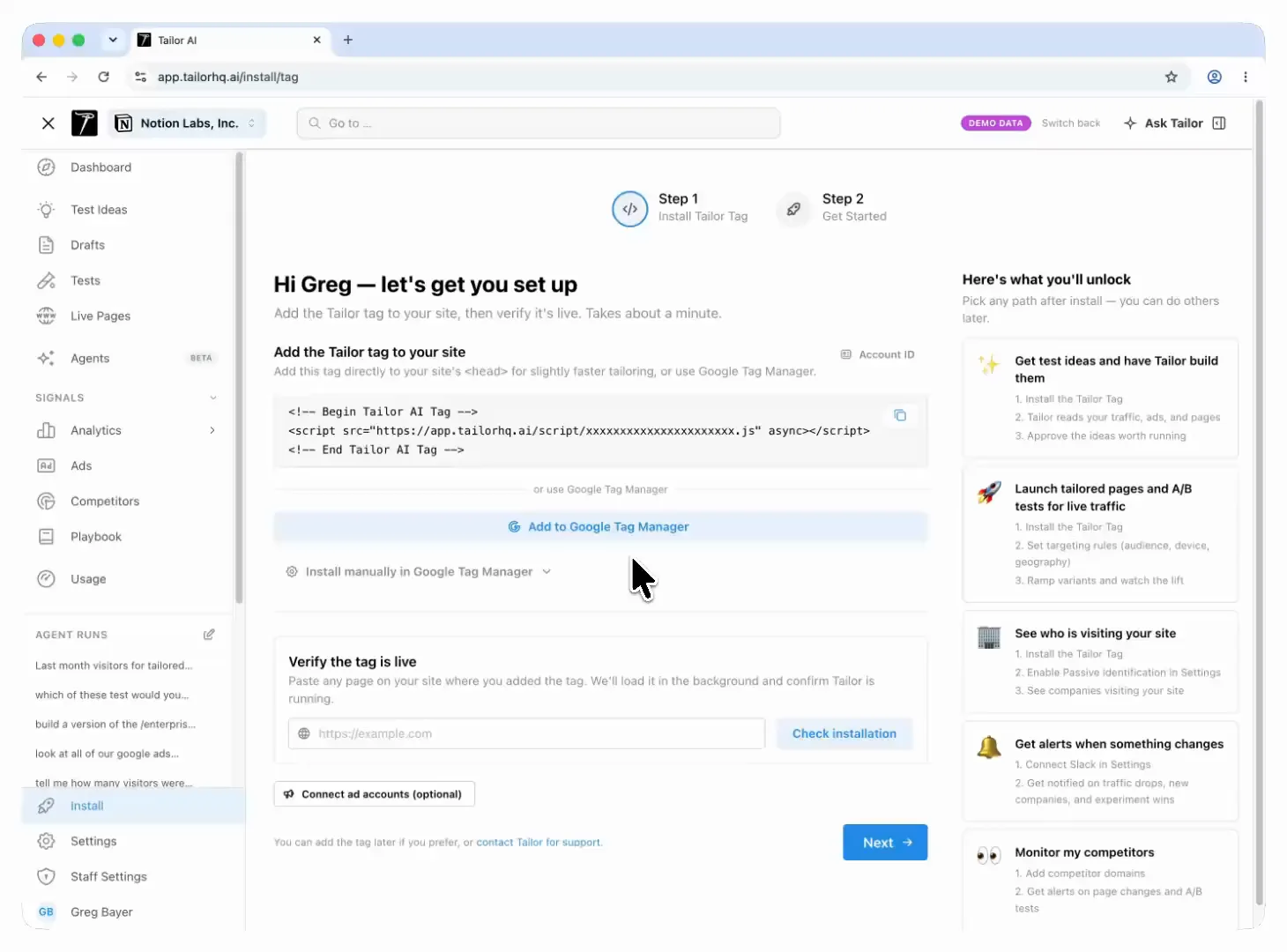
Install the tag, and Tailor ranks test ideas for your pages, shows why it picked each one and which audience sees it, and ships the change once you approve it.
Page Tailoring
Instantly personalize copy, images, and page elements.Agentic Tailoring119 sec
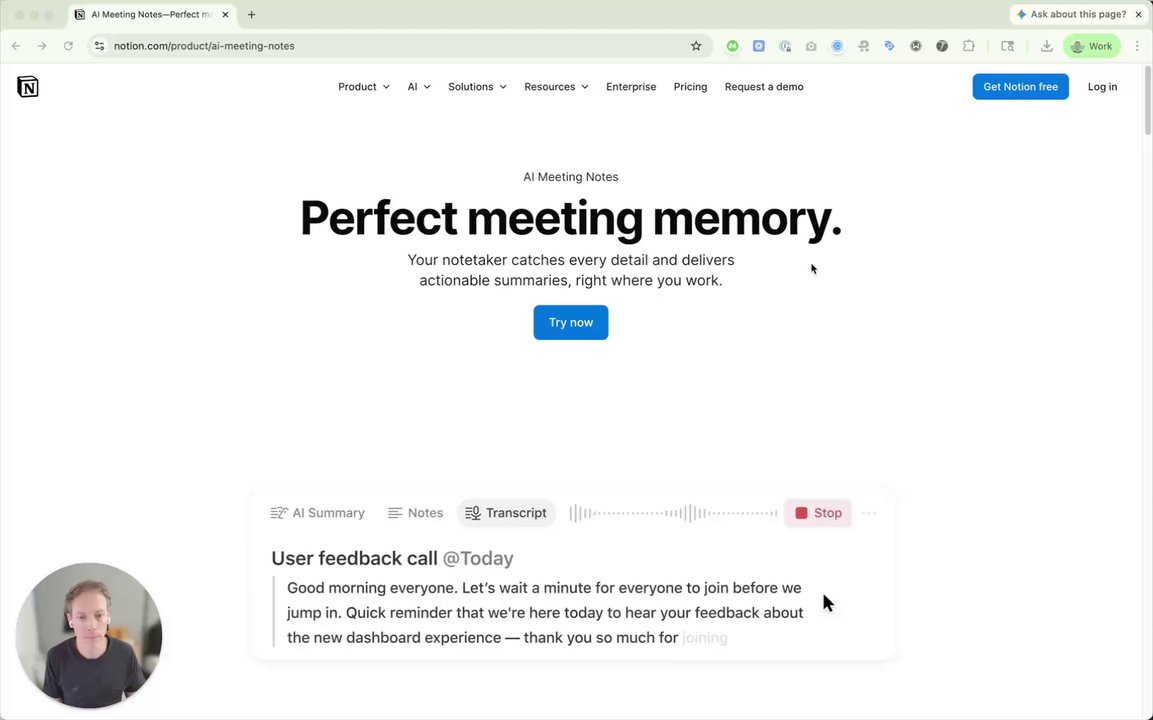
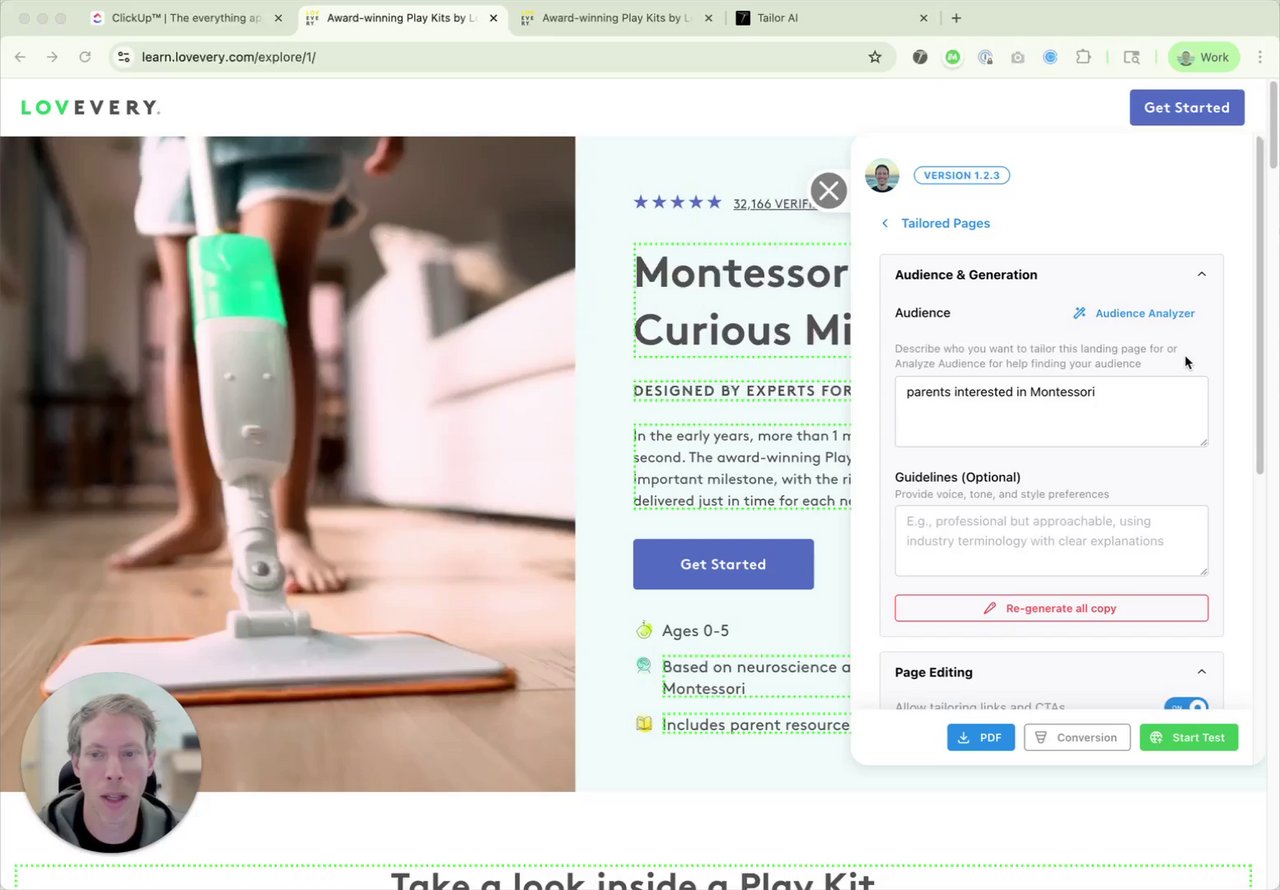
Tailoring Landing Pages for Specific Audiences 🎯31 sec
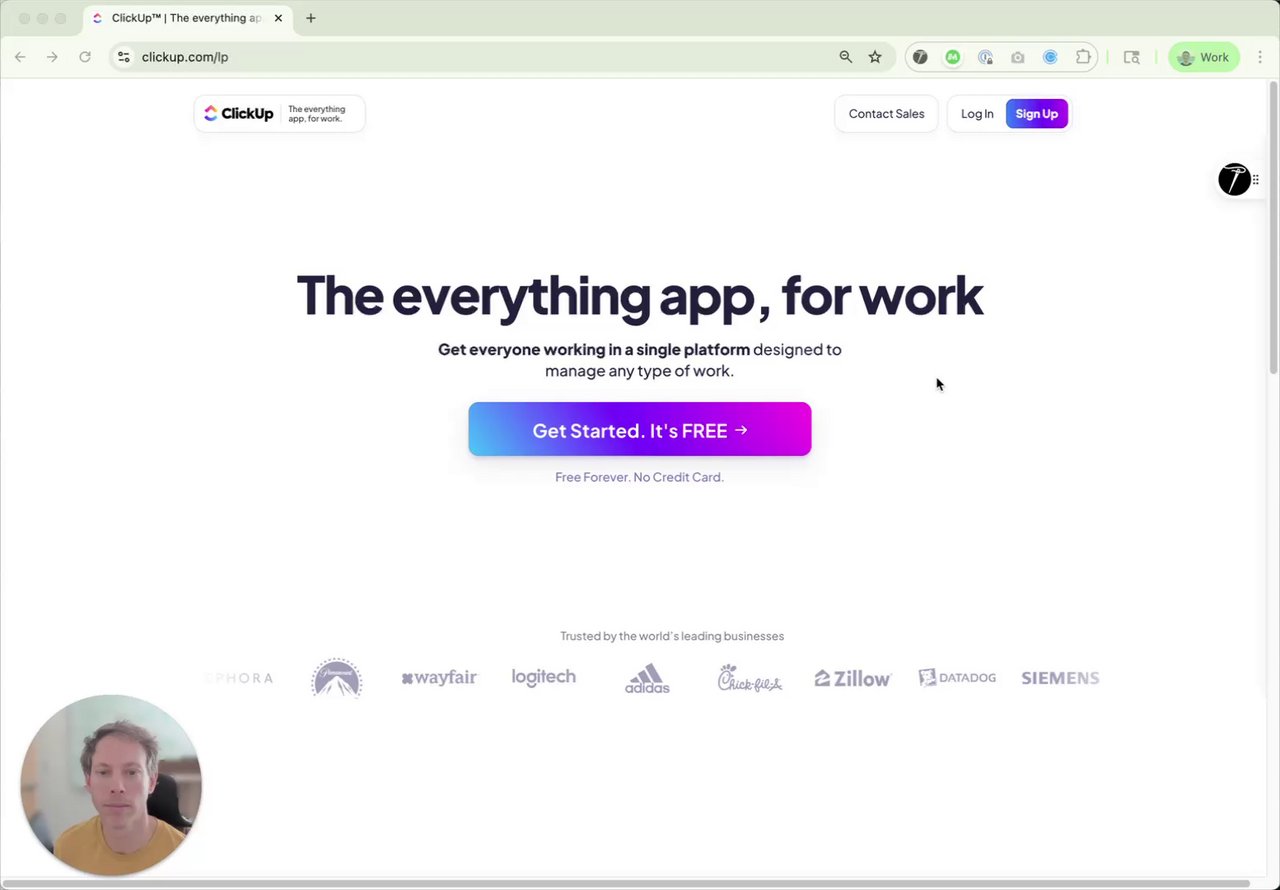
Customizing Copy15 sec
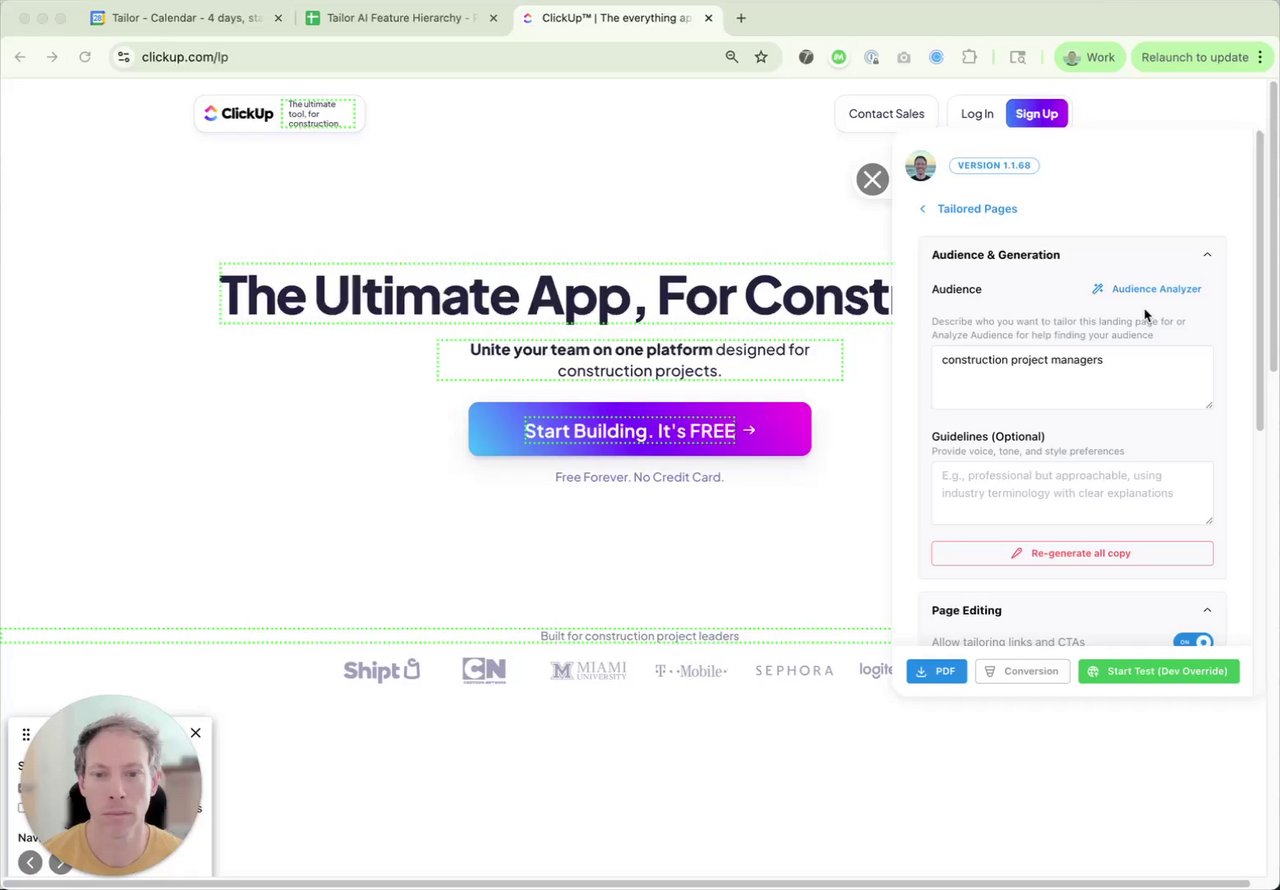
Tailoring Images to Audience53 sec
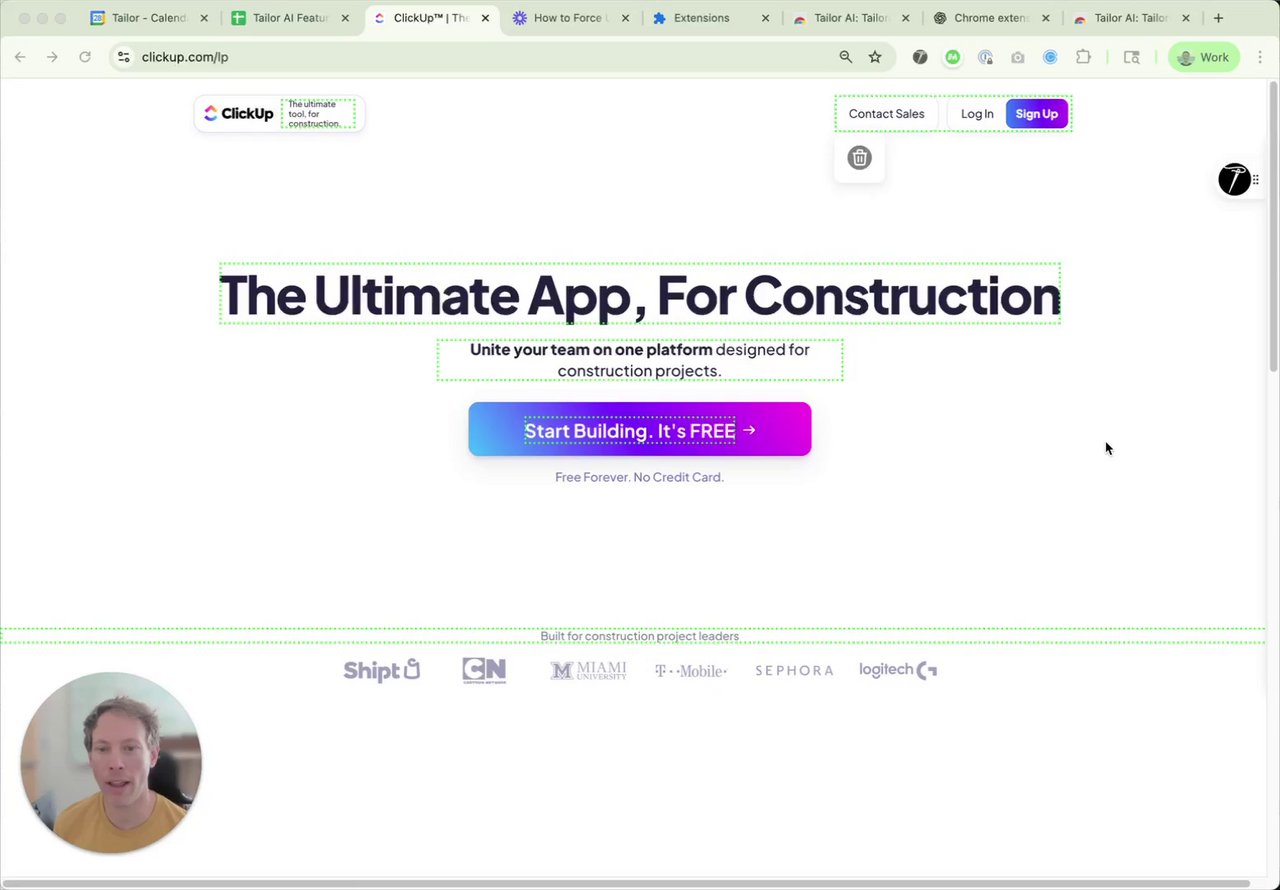
Hiding Page Elements55 sec
Tailoring CTA Destinations28 sec

Page Translation16 sec
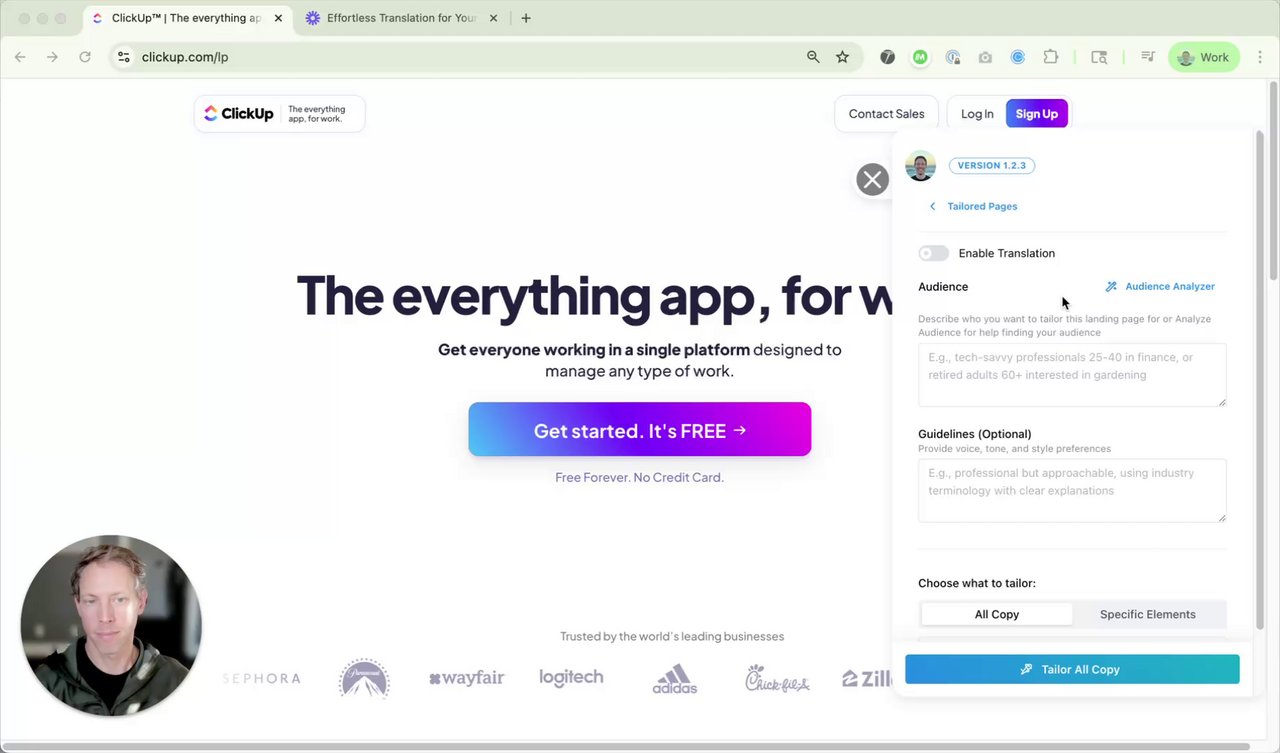
Dynamic Text Replacement44 sec
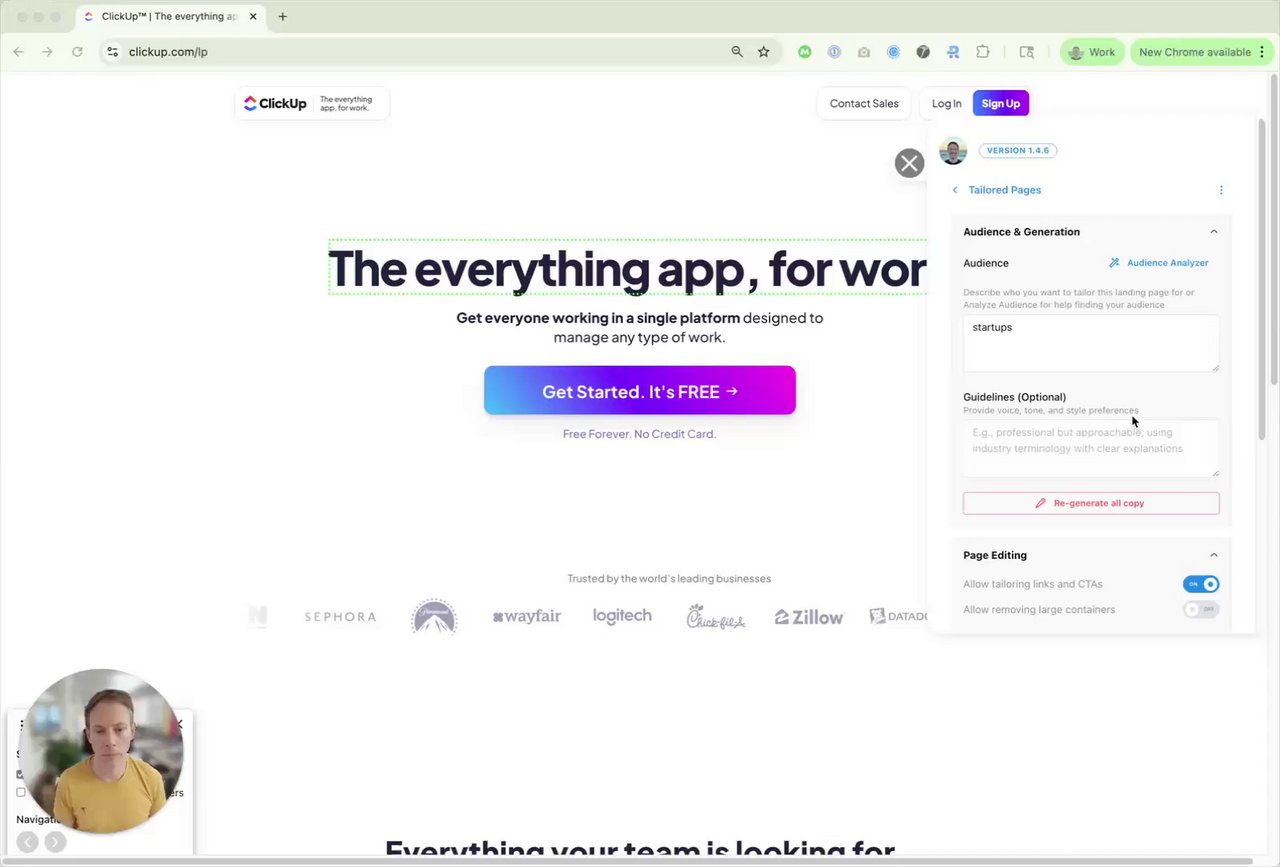
Targeting
Define who sees your tailored pages.Targeting Options 🎯61 sec
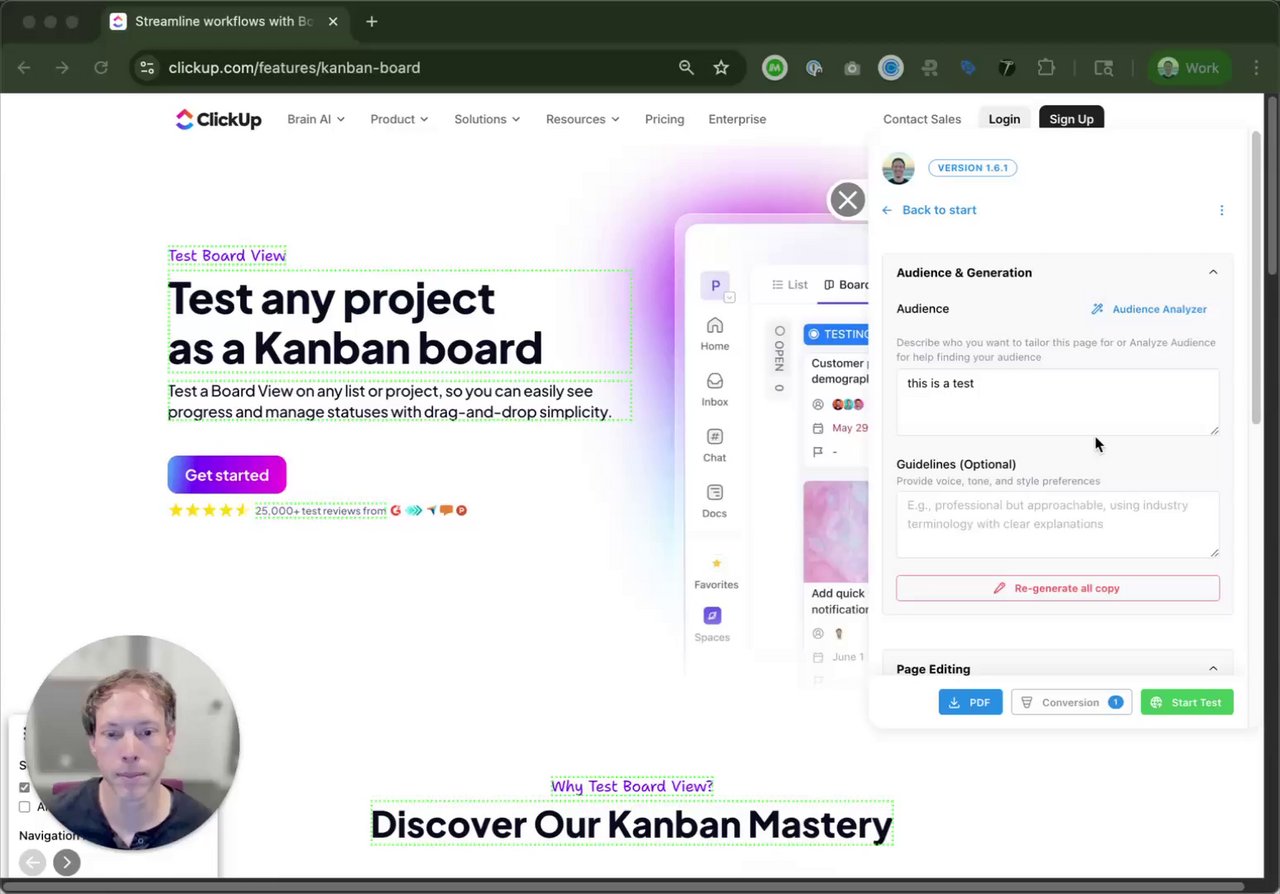
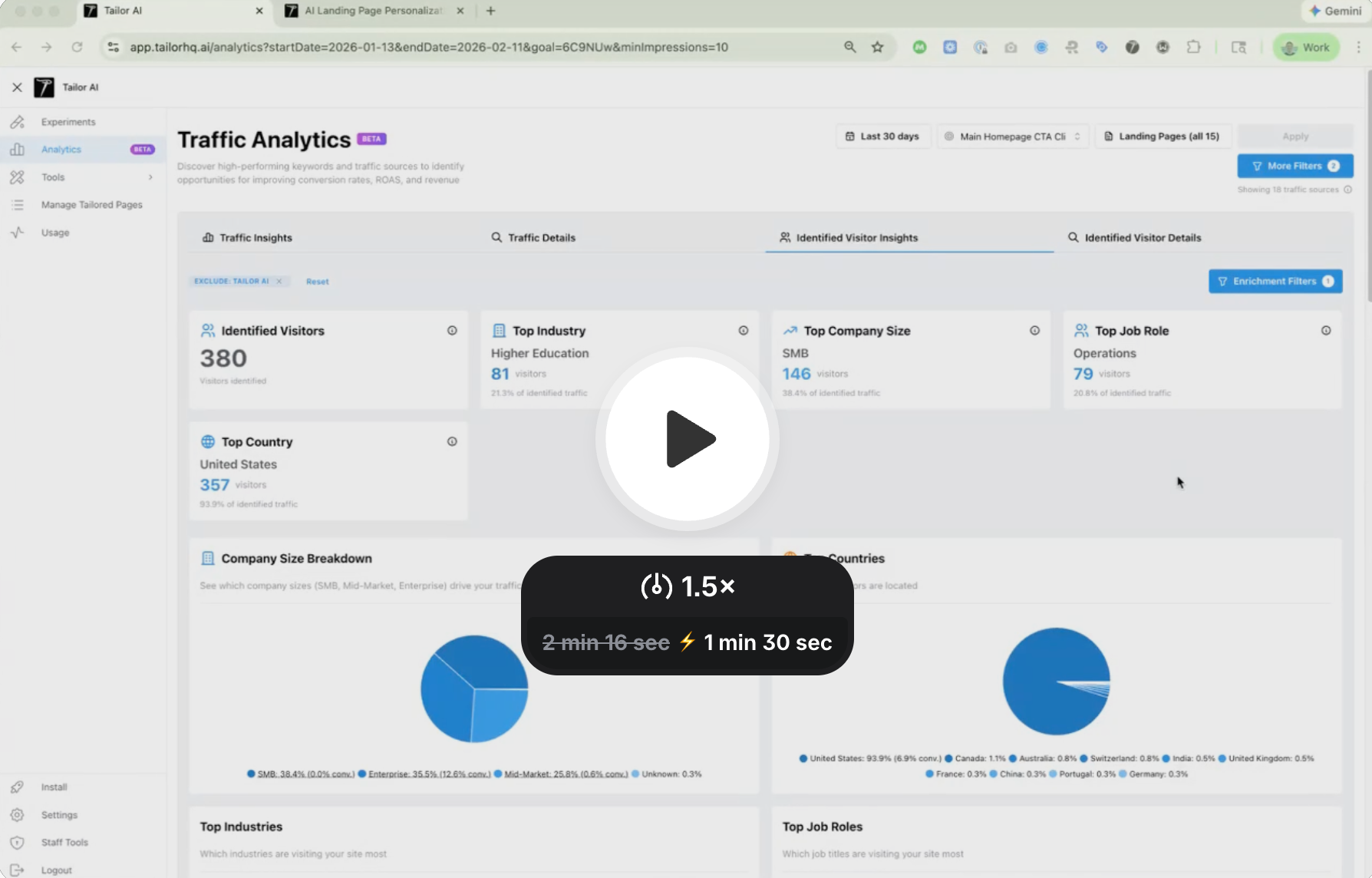
Visitor Identification with IP-Based Enrichment (ip → company & role)90 sec
Publishing & Testing
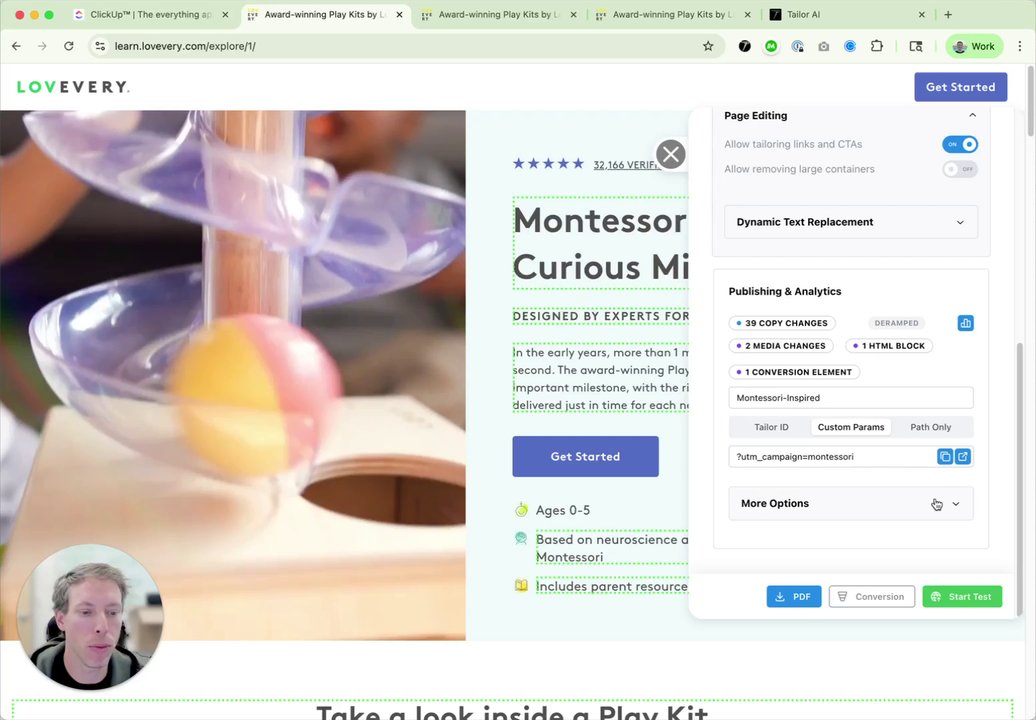
Publish, A/B test, and measure results.Publishing a Tailored Page41 sec
Automatic A/B Testing41 sec
Setup
Get started with the Tailor extension and tag installation.Setting up Tailor Chrome Extension49 sec
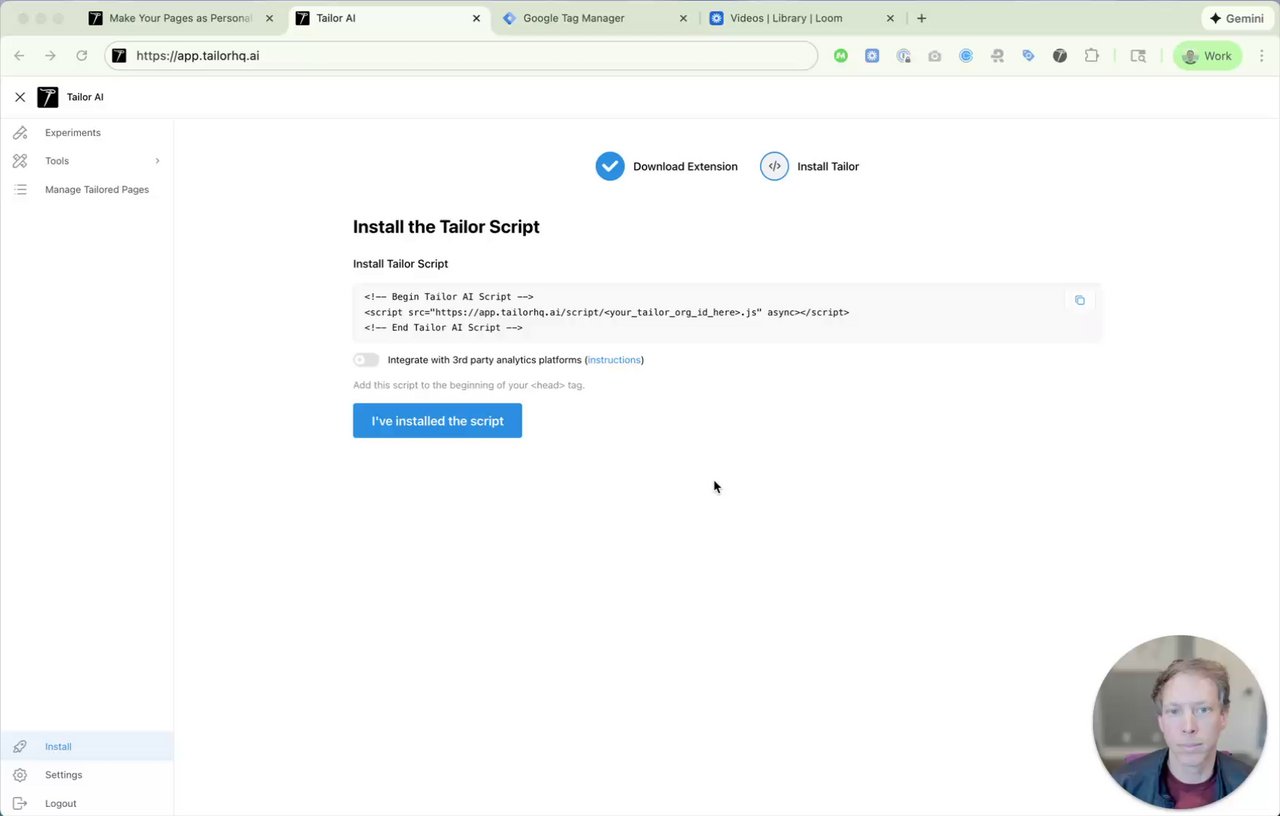
Installing Tailor Tag via Google Tag Manager (GTM)56 sec
Ready to Try It Yourself?
See how these features work in action with a personalized demo of Tailor AI.