
Feature
Dynamic CTAs
Match the CTA to the ad that brought the visitor. "Start free trial" for self-serve traffic, "Book a demo" for enterprise accounts. The right action for every visitor, automatically.
 Tailor AI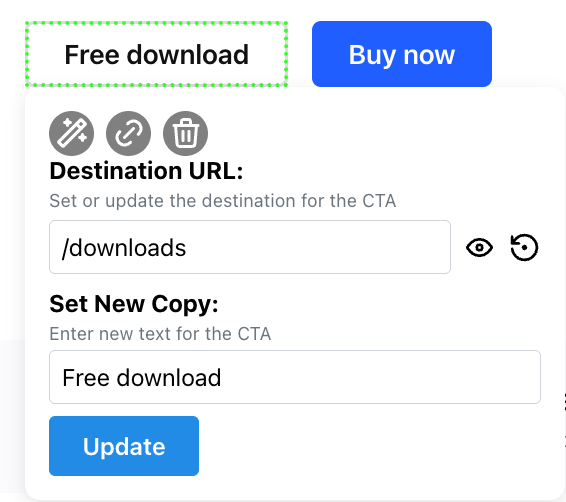
Teams running Tailor






What you can change
- Match the CTA to the ad
- The CTA continues what the ad promised. A visitor from a free-trial ad sees "Start free trial", a visitor from an enterprise campaign sees "Book a demo".
- Segment by who's visiting
- Show different CTAs by source, keyword, device, geo, or enriched company. Match the action to who's actually on the page.
- Test each one
- Every CTA variant runs as an experiment per segment, measured on trials and revenue rather than clicks.
The workflow
Pick a segment, write the CTA for it, publish. The variant goes live on your existing page and starts reporting against your baseline.
See Tailor on your site
Show the right CTA to the right visitor, automatically, based on audience and intent.
Book a demoShopBack's marketing team specified a new homepage hero, Tailor built it in the browser, and CTA clicks came back 13% up in four days.
Read the ShopBack case study