
Feature
Element Control
Show the right section to the right visitor. Use built-in IP enrichment to surface enterprise proof for detected accounts, hide irrelevant pricing, or match content to the ad that brought them, then monitor what drives conversions and adapt continuously.
 Tailor AI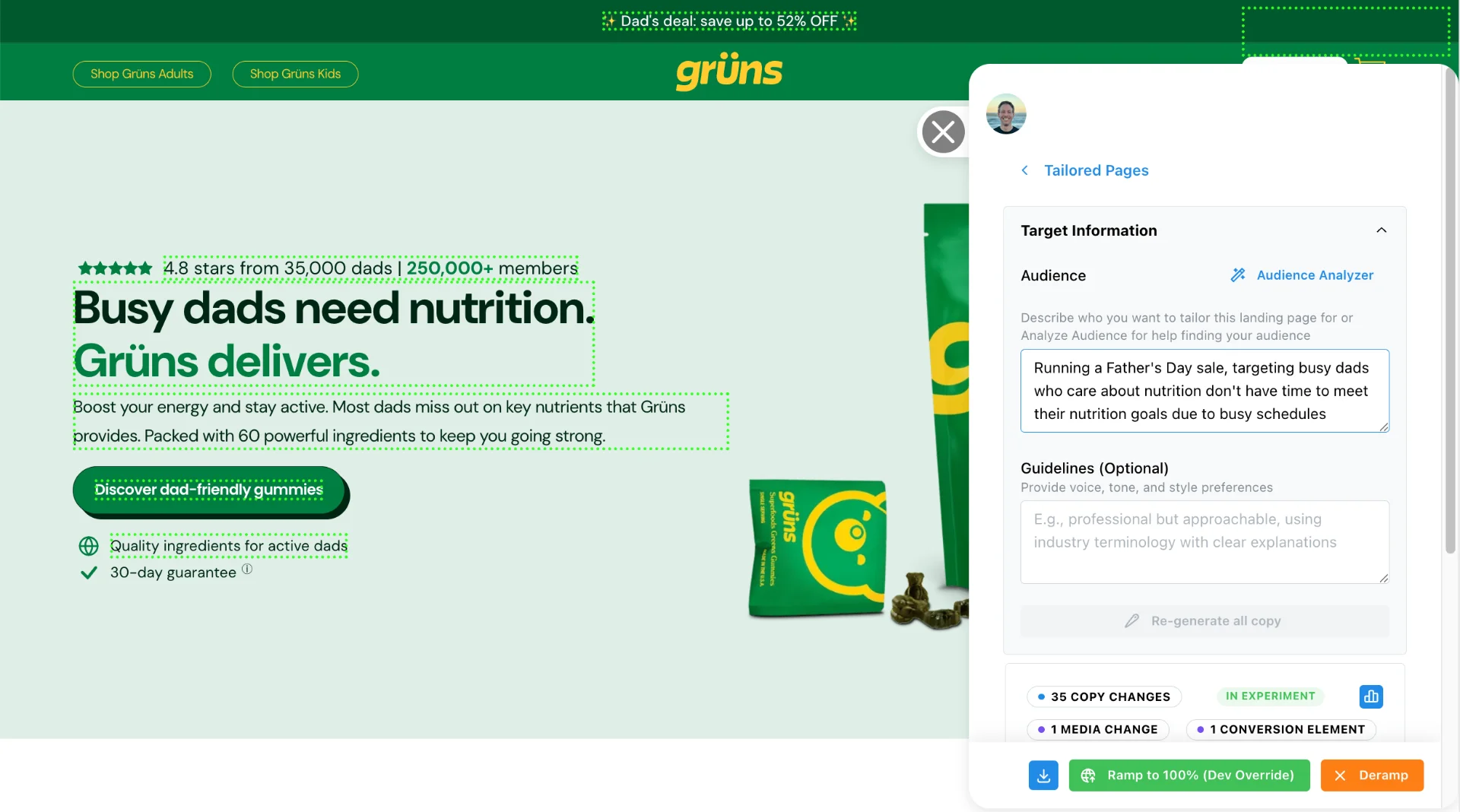
Teams running Tailor






What you can control
- Show and hide elements
- Show or hide page elements based on visitor source, company enrichment, or audience segment. Surface enterprise proof for enterprise accounts, or hide irrelevant content for the wrong audience.
- Smart reordering
- Automatically rearrange page elements to optimize for engagement based on visitor intent and preferences.
- Conditional display
- Hide pricing tiers that don't match the visitor's company size. Show healthcare testimonials to healthcare visitors. Surface the right proof for each account.
Right content for every visitor
Based on ad source, company enrichment, or audience segment.
Enterprise account
Detected via company enrichment
- Enterprise case studies
- SSO and compliance section
- Self-serve pricing table
From Google Ads
UTM source: google / cpc
- Ad-matched headline
- Trial CTA
- Brand awareness content
From LinkedIn outreach
UTM source: linkedin / outreach
- Personalized greeting
- Demo booking CTA
- Self-serve signup flow
“It wasn't possible to just add a second button.”
Our answer: every element on your page is editable or addable in the browser: buttons, sections, badges, images. If you can describe it, the agent can build it, and it ships as a test in minutes.
Show the right page to the right visitor
When the page matches the visitor's context, CAC drops and signups climb.
Book a demoHeadspace lifted conversion rate 91% by tailoring pages to visitor intent, on pages that already existed.
Read the Headspace case study